# Socialify
> Socialify generates a 1280x640 social preview image for any public GitHub repository, built from live repository data (name, description, language, stars, forks, issues, pull requests). Images are served from a plain GET URL, so an agent can build the URL itself and embed it in a README, an HTML `![]() ` tag, or an `og:image` meta tag. No API key or account is needed.
## How to build an image URL
```
https://socialify.dev/{owner}/{repo}/image?{options}
```
- `{owner}/{repo}` must be a public GitHub repository, for example `wei/socialify`.
- `/image` returns SVG to browsers and PNG to known bots and crawlers (Twitterbot, Slackbot, and so on). Use it for README files and `
![]() ` tags.
- `/png` always returns PNG. Use it for `og:image` / `twitter:image` meta tags and anywhere SVG is not accepted.
- `/svg` always returns SVG.
- Drop the `/image` suffix (`https://socialify.dev/{owner}/{repo}?{options}`) to get the interactive editor with the same options preselected. Link the image to this URL so people can tweak it.
- URL-encode every value. Spaces become `%20` (`pattern=Circuit%20Board`).
Badges show live counts, so the image stays current without changes on your side.
## Options
All options are optional. Omit an option to get its default.
| Parameter | Values | Default |
|-----------|--------|---------|
| `theme` | `Light`, `Dark`, `Auto` (follows the viewer's `prefers-color-scheme`, SVG only) | `Light` |
| `font` | `Inter`, `Bitter`, `Raleway`, `Rokkitt`, `Source Code Pro`, `JetBrains Mono`, `KoHo`, `Jost` | `Inter` |
| `pattern` | `Signal`, `Charlie Brown`, `Formal Invitation`, `Plus`, `Circuit Board`, `Overlapping Hexagons`, `Brick Wall`, `Floating Cogs`, `I Like Food`, `Diagonal Stripes`, `Yyy`, `Solid`, `Transparent` | `Plus` |
| `logo` | Absolute image URL or `data:` URI (SVG works best), URL-encoded | GitHub logo |
| `name` | `1` show, `0` hide the repository name | `1` |
| `owner` | `1` show the owner before the name (`owner/repo`) | `0` |
| `description` | `1` show the repository description | `0` |
| `custom_description` | Text that replaces the description (needs `description=1`) | GitHub description |
| `language` | `1` show the language icon next to the logo | `0` |
| `custom_language` | Language or tool name that overrides the detected one, for example `Rust`, `Next.js` (needs `language=1`) | Primary repo language |
| `stargazers` | `1` show the star count badge | `0` |
| `forks` | `1` show the fork count badge | `0` |
| `issues` | `1` show the open issue count badge | `0` |
| `pulls` | `1` show the open pull request count badge | `0` |
| `cache` | CDN cache time in seconds | `3600` |
Values are case sensitive and must match the table exactly (`Dark`, not `dark`).
## Examples
A README banner that links to the editor:
```markdown
[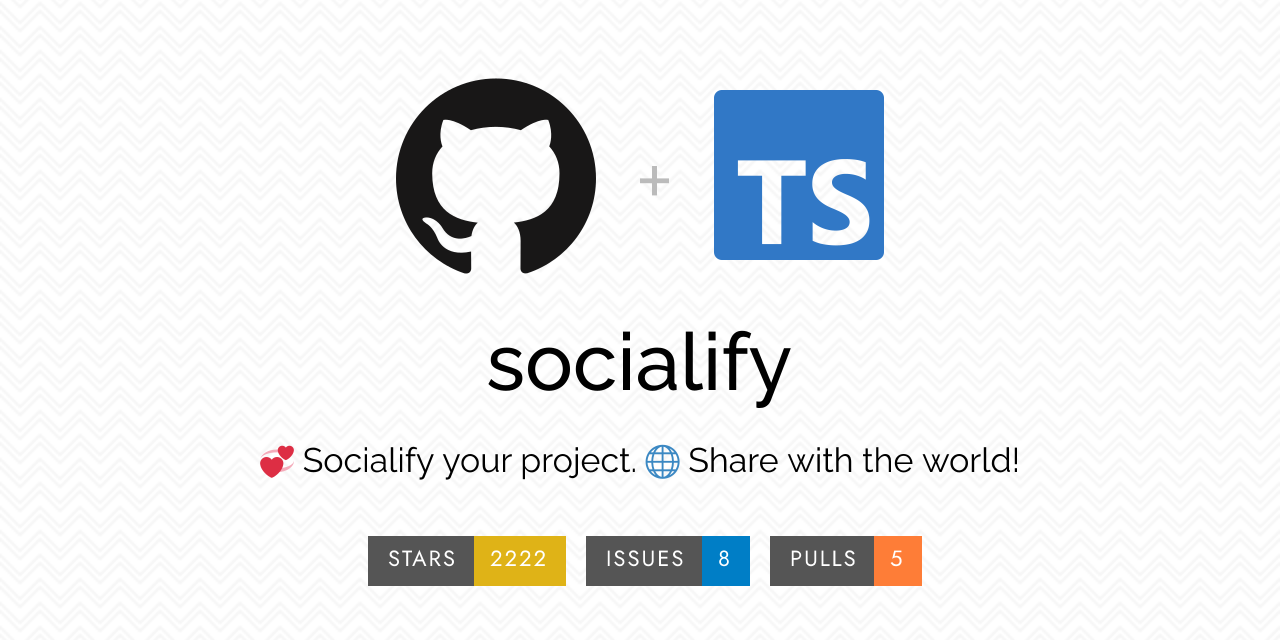](https://socialify.dev/wei/socialify?description=1&font=Raleway&issues=1&language=1&pattern=Charlie%20Brown&pulls=1&stargazers=1&theme=Light)
```
Open Graph tags for a project website:
```html
```
## Errors
An unknown or private repository returns HTTP 400 with a JSON body such as `{"error": "..."}` instead of an image. Check the owner and repo spelling before retrying.
## GitHub repository social preview
GitHub's "Social preview" setting needs an uploaded file, not a URL. Download the PNG from `https://socialify.dev/{owner}/{repo}/png?{options}` and upload it under the repository's Settings > General > Social preview. To do this for many repositories at once, use the CLI [mheap/github-social-image](https://github.com/mheap/github-social-image).
## Links
- [Socialify editor](https://socialify.dev): build an image interactively and copy its URL
- [Source code](https://github.com/wei/socialify): MIT licensed, self-hostable with Docker